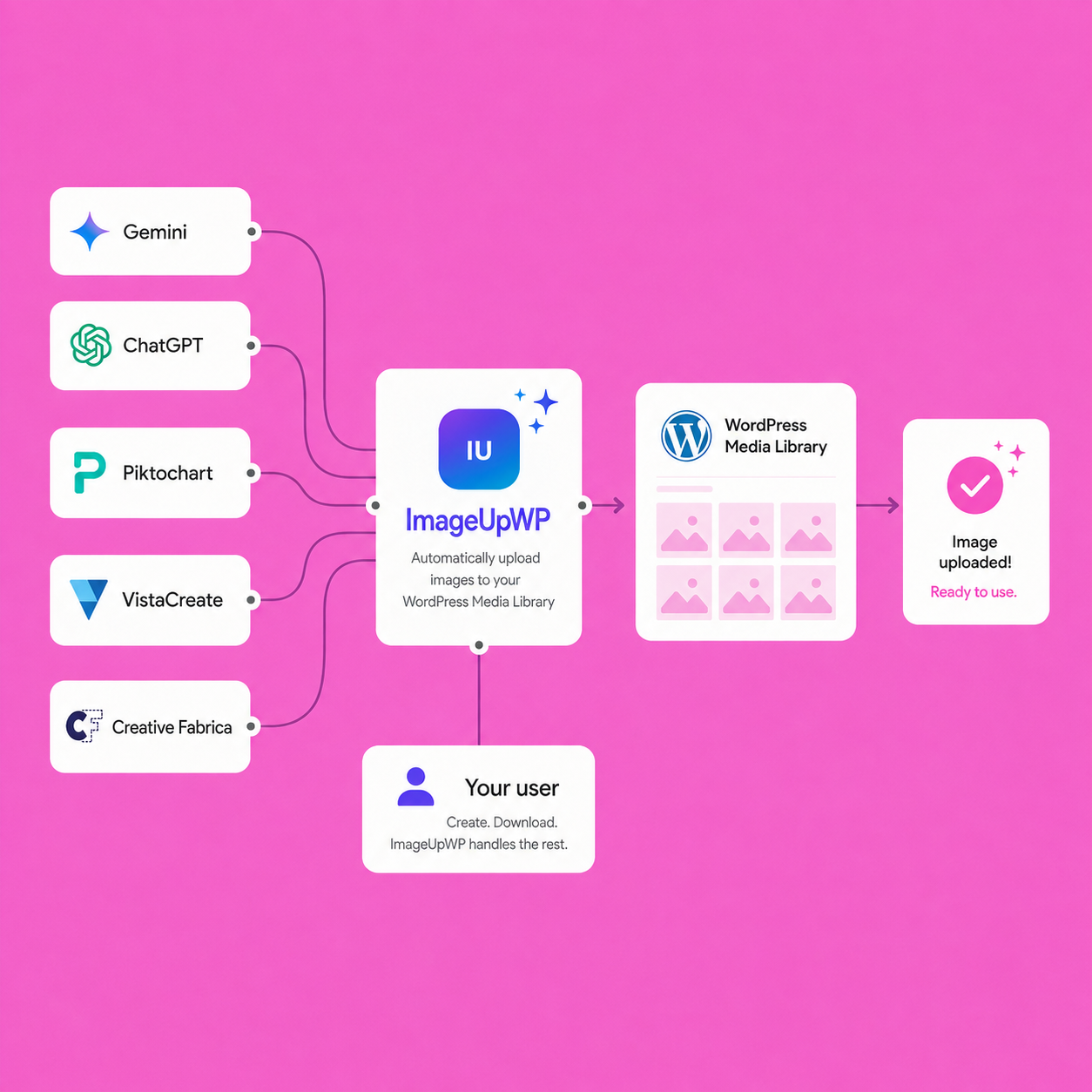
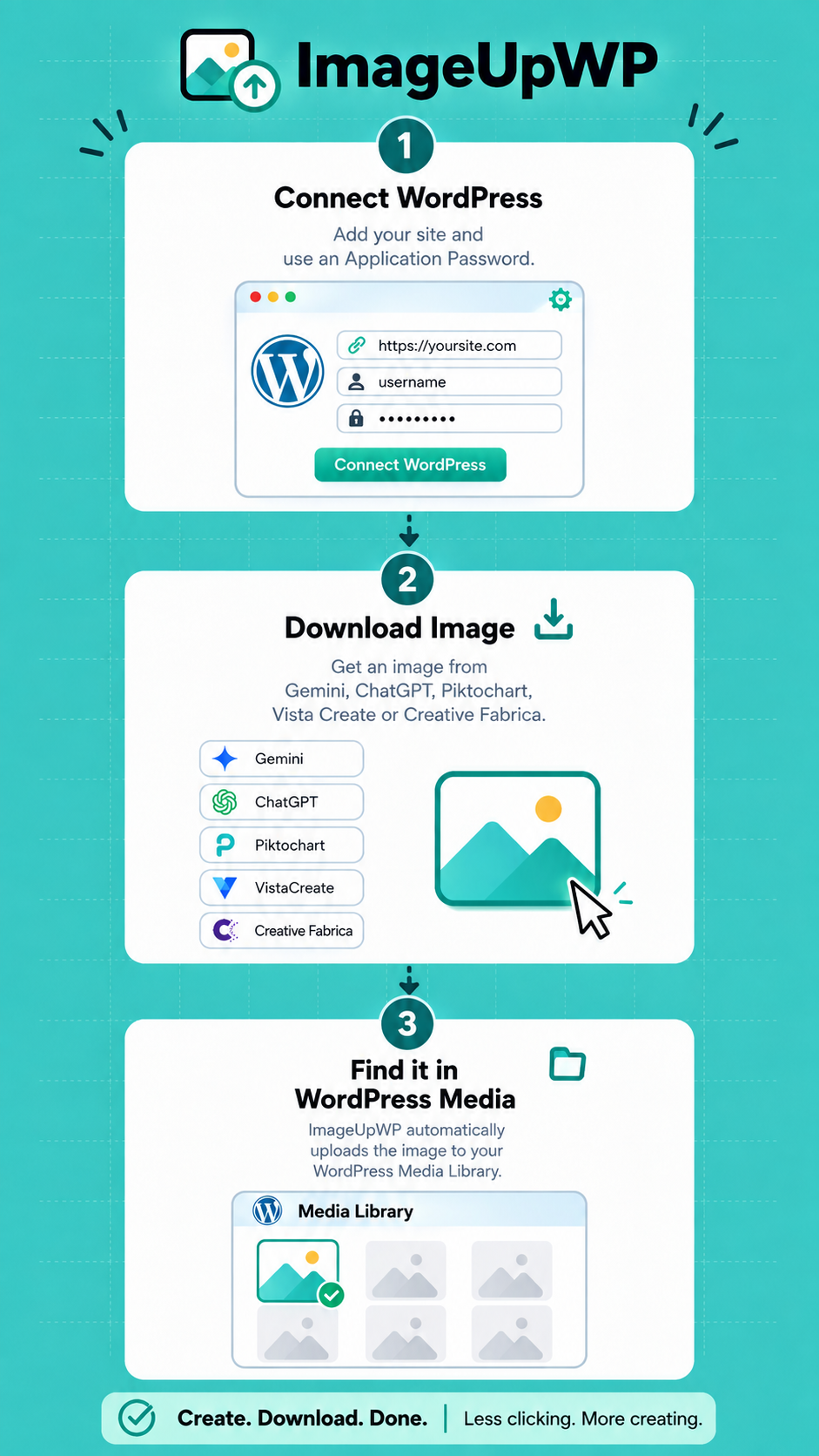
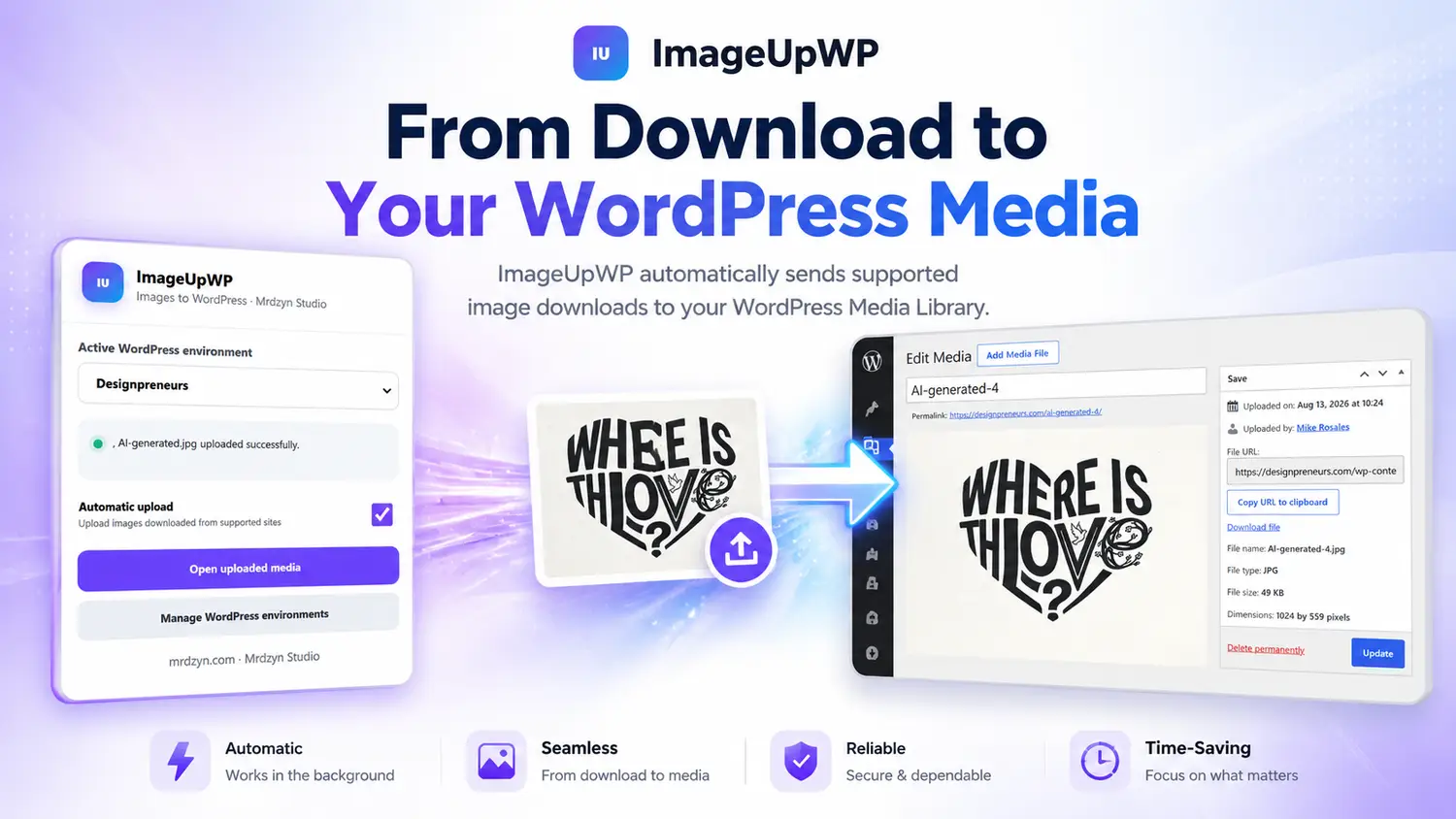
ImageUpWP sends images you download from supported creative tools straight to your WordPress Media Library.
Create. Download. Find it in Wordpress.
Free support for Gemini. Premium workflows available
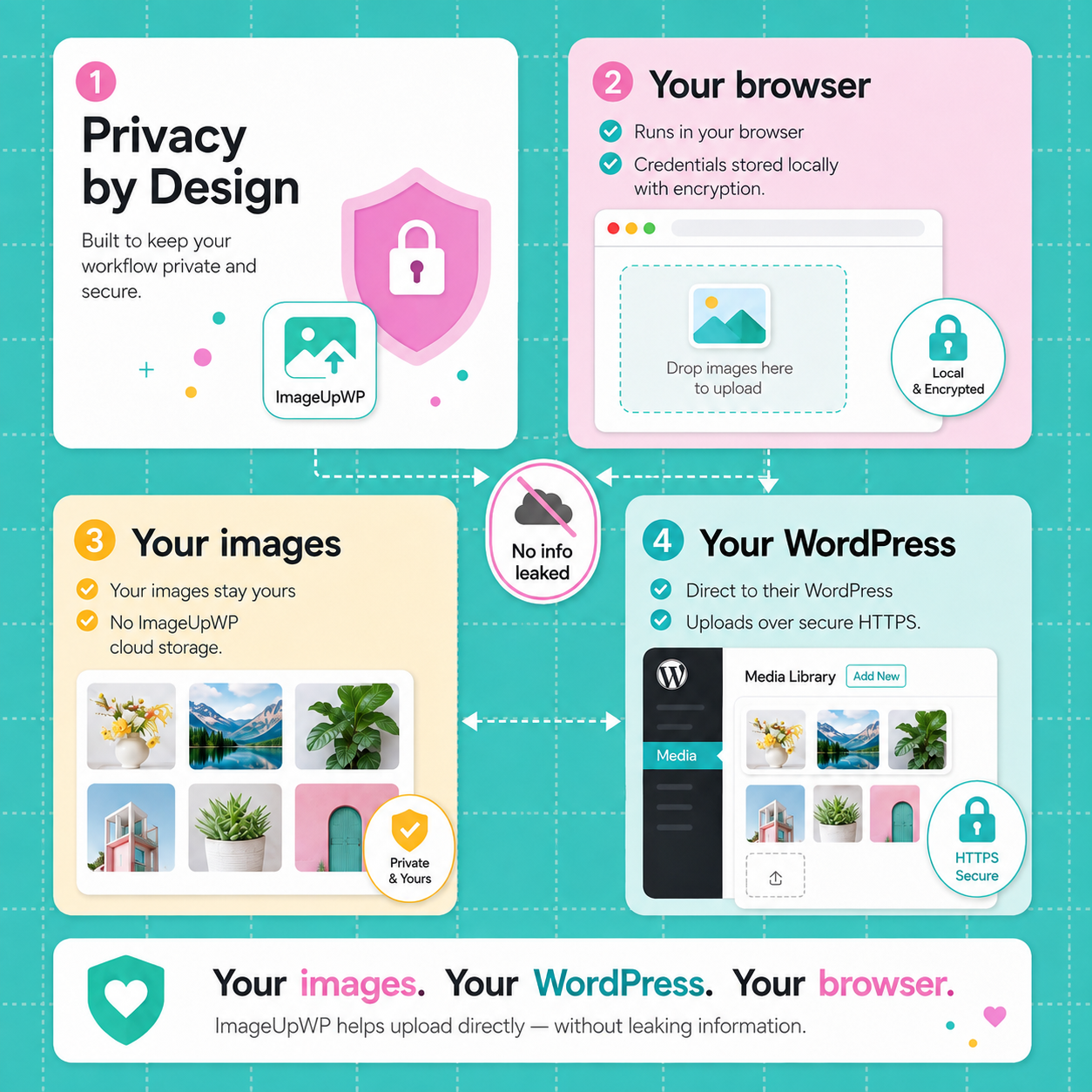
Images and WordPress credentials stays on your local machine.
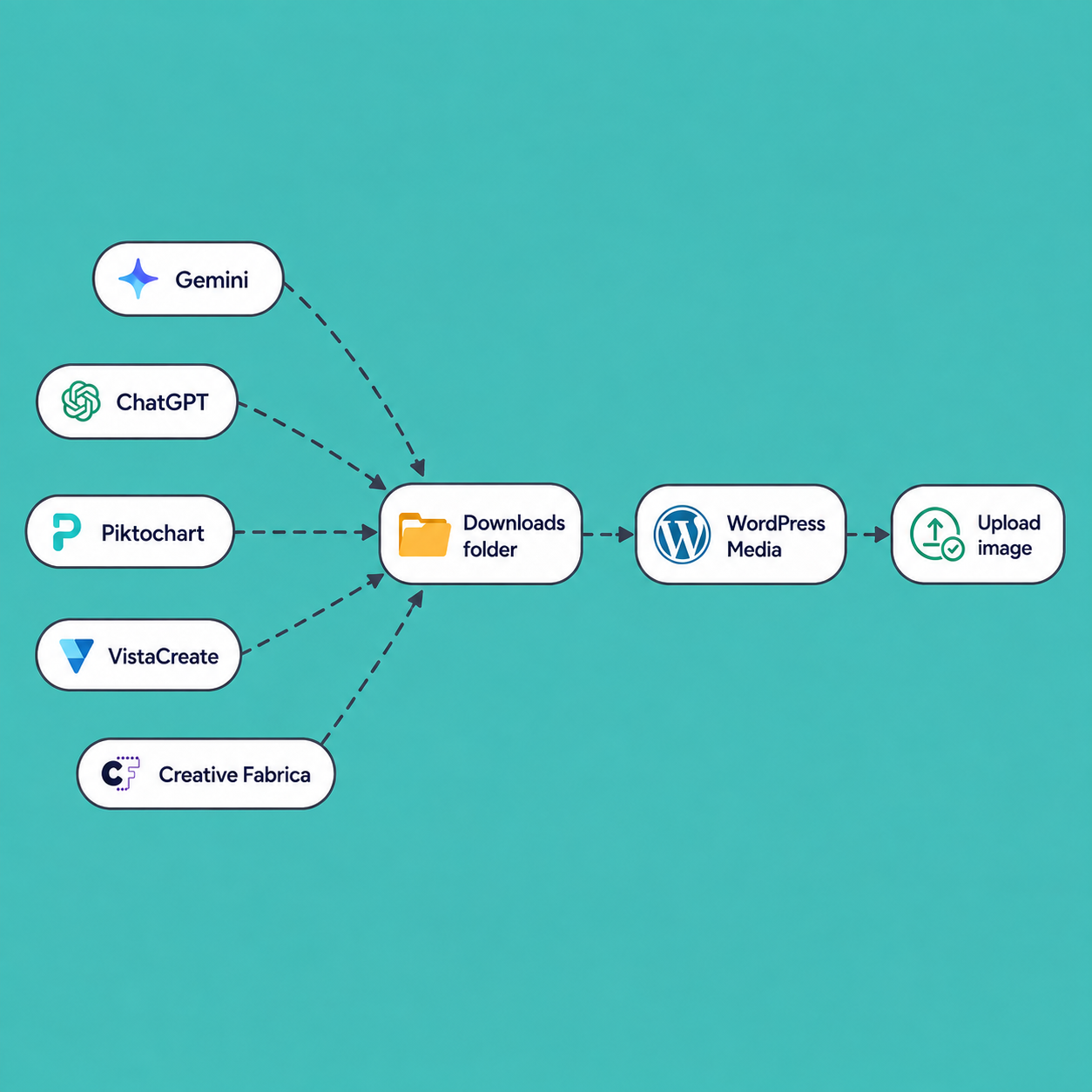
Normally, publishing an image means downloading it, finding the file in your Downloads folder, opening WordPress, navigating to Media Library, choosing the file again, and waiting for it to upload.
Download a supported image and ImageUpWP sends it directly to your connected WordPress site.
With ImageUpWP, you can go from design to publishing on Wordpress in literally seconds.
With Builder, you can go from building and training a model to serving, managing, and monitoring.
ImageUpWP is designed to connect your browser directly with your WordPress website.
ImageUpWP removes the repetitive step between creating an image and getting it into WordPress. Here are a few ways it can fit into real publishing workflows.
Create or generate an image, download it, and let ImageUpWP send it straight to your WordPress Media Library.
How ImageUpWP helps:
Less time switching tabs, searching your Downloads folder, and manually uploading every image.
Landing pages, blog posts, promotions, social campaigns, and lead magnets can require dozens of images every week.
How ImageUpWP helps:
Reduce repetitive image handling so you can focus more on campaigns, copy, optimization, and results.
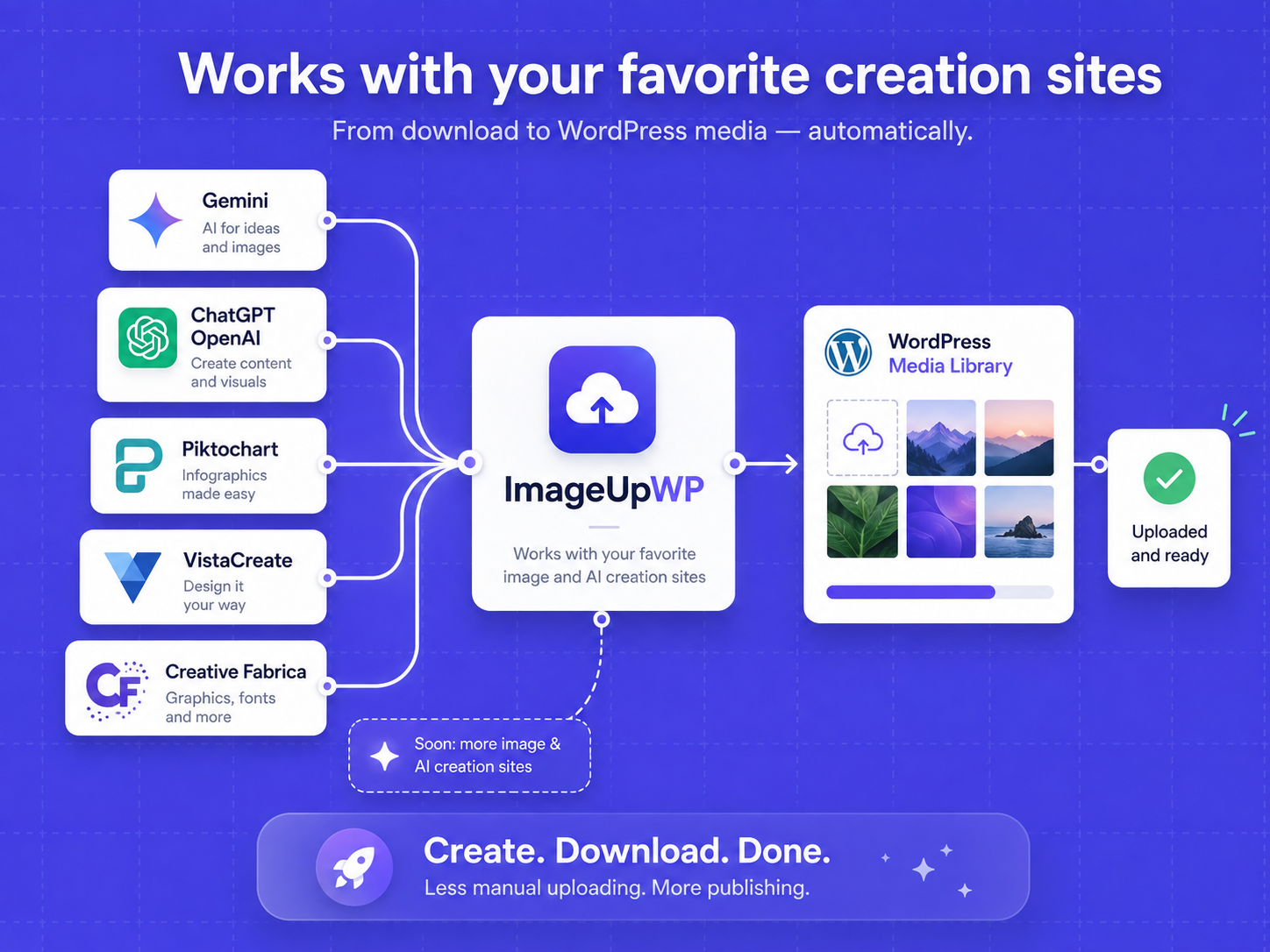
If you create visuals with tools like Gemini, ChatGPT, VistaCreate, Piktochart, or Creative Fabrica, ImageUpWP can shorten the path from creation to publishing.
How ImageUpWP helps:
Your downloaded images can be ready in WordPress without repeating the upload process for every asset.
When building pages, mockups, banners, graphics, and client sites, constantly downloading and re-uploading files adds unnecessary friction.
How ImageUpWP helps:
Send supported image downloads directly into WordPress so assets are ready when you open the editor.
Managing content for multiple projects often means creating, downloading, organizing, and uploading images again and again.
How ImageUpWP helps:
Streamline one of the most repetitive parts of the publishing workflow and save a few clicks on every image.
Upgrade to Premium and use ImageUpWP with ChatGPT, VistaCreate, Piktochart, Creative Fabrica, and more supported integrations as they become available.
© 2026 mrdzyn.com
If you get this item during this launch August. This discount is yours for the next